


NotchAlarm

Повітряні тривоги —
прямо в «чубчику»
Air raid alerts —
right in the notch

NotchAlarm показує тривоги України вгорі екрана: що летить, де саме і скільки триває. Наведіть мишку — подробиці, карта й історія. NotchAlarm shows Ukraine’s air raid alerts at the top of your screen: what’s coming, where exactly and for how long. Hover for details, a map and history.

Безкоштовно · без реклами · без реєстраціїFree · no ads · no sign-up

Усе важливе — одним поглядомEverything that matters, at a glance

Не треба тримати відкритим телефон чи вкладку браузера: тривога завжди перед очима — і при цьому нічим не відволікає від роботи.No need to keep a phone or a browser tab open: the alert is always in sight — and never distracts you from work.

Що саме летитьWhat exactly is coming

Ракетна чи дронова загроза, масована атака, артобстріл — своїм кольором і значком.Missile or drone threat, massive attack, shelling — each with its own colour and icon.

Таймер тривогиAlert timer

Скільки вже триває тривога — видно одразу, без жодного кліку.See how long the alert has lasted — without a single click.

ТериторіїYour places

Область, район або громада. Кілька територій: дім, батьки, робота.Oblast, district or community. Several places: home, parents, work.

Налаштування сигналівAlert sounds

Сирени NotchAlarm, системні звуки або свої звуки — окремо для ракет, дронів і відбою. Тихі години.NotchAlarm sirens, system sounds or your own — separately for missiles, drones and all clear. Quiet hours.

Карта УкраїниMap of Ukraine

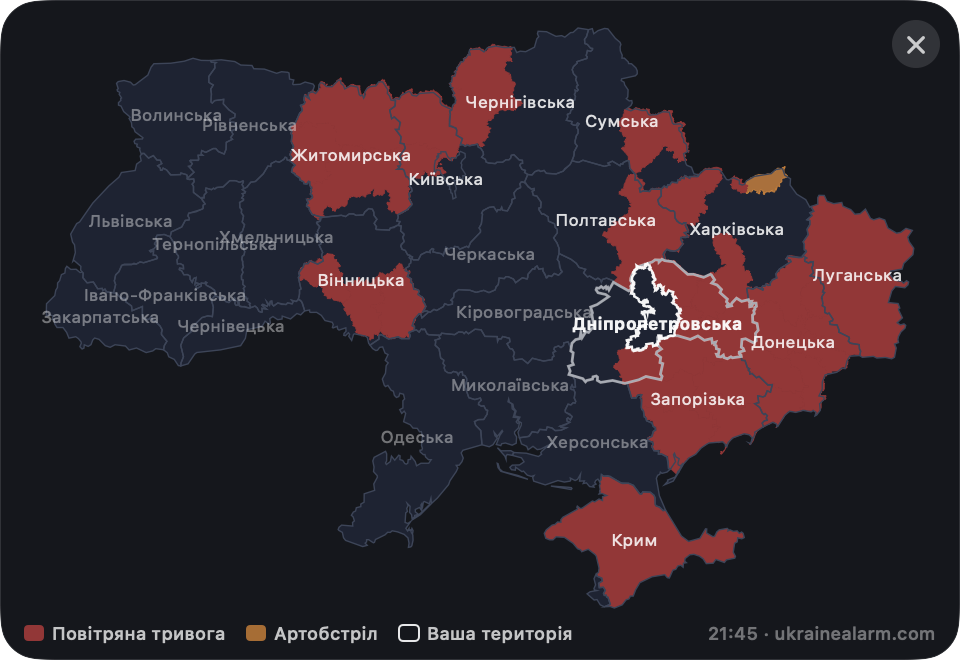
Де тривога зараз — області, райони й громади, з підказкою, що саме загрожує.Where alerts are right now — oblasts, districts and communities, with what threatens each.

Історія тривогAlert history

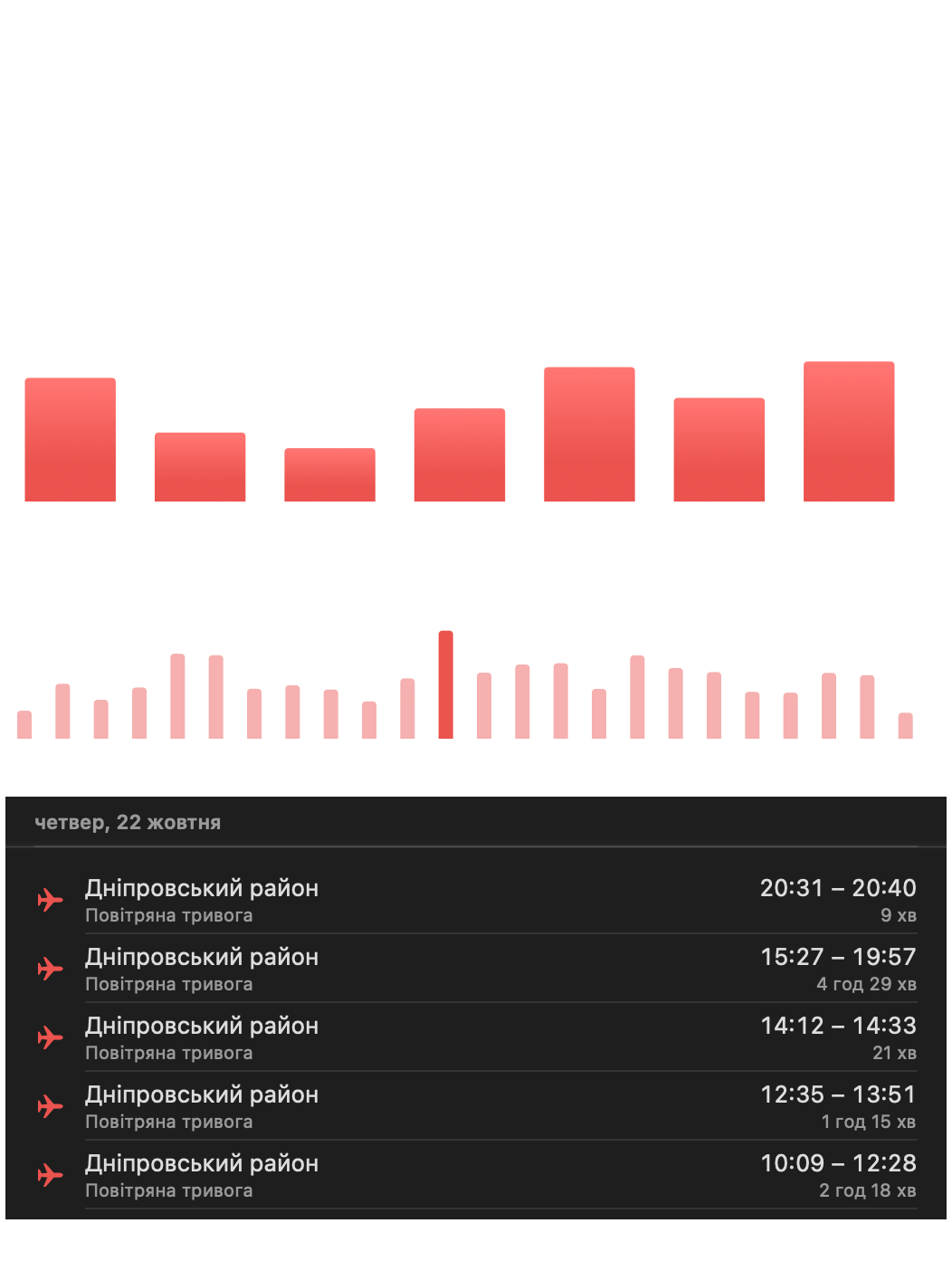
Скільки годин під тривогою за день, тиждень, місяць; о котрій тривоги найчастіше; види загроз.Hours under alert per day, week or month; when alerts happen most; threat types.

Колір скаже всеThe colour tells you everything

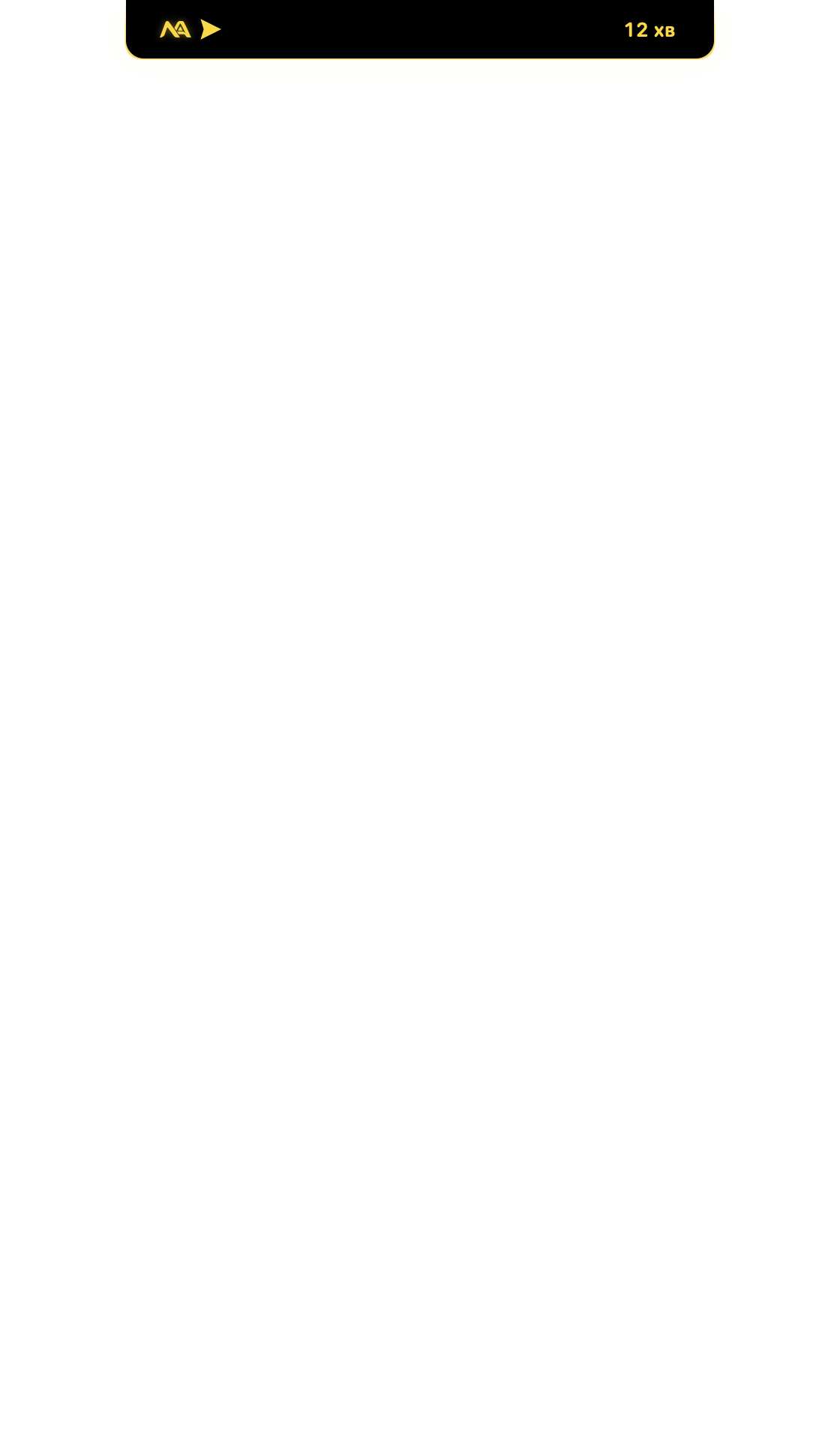
Згорнутий «чубчик» займає мінімум місця, але ви завжди знаєте, що відбувається.The collapsed notch takes almost no space, but you always know what’s going on.

ТихоAll quiet

Зелений логотип — у вашій території тривоги немає.Green logo — no alert in your area.

Дронова загрозаDrone threat

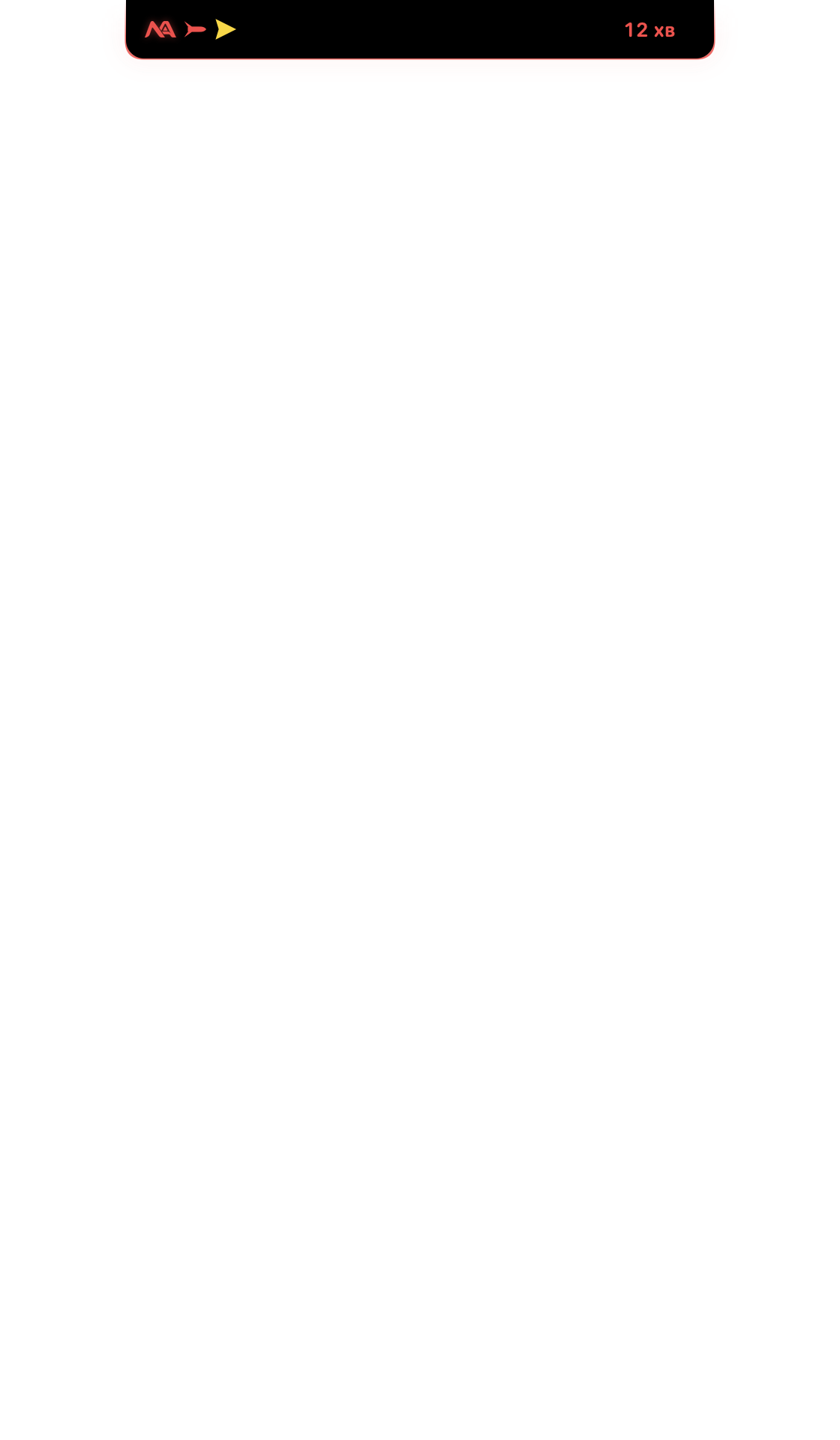
Жовтий — дрони, поруч таймер.Yellow — drones, with a timer.

Ракетна загрозаMissile threat

Червоний — ракети або масована атака. Звук лунає двічі.Red — missiles or a massive attack. The sound plays twice.

АртобстрілShelling

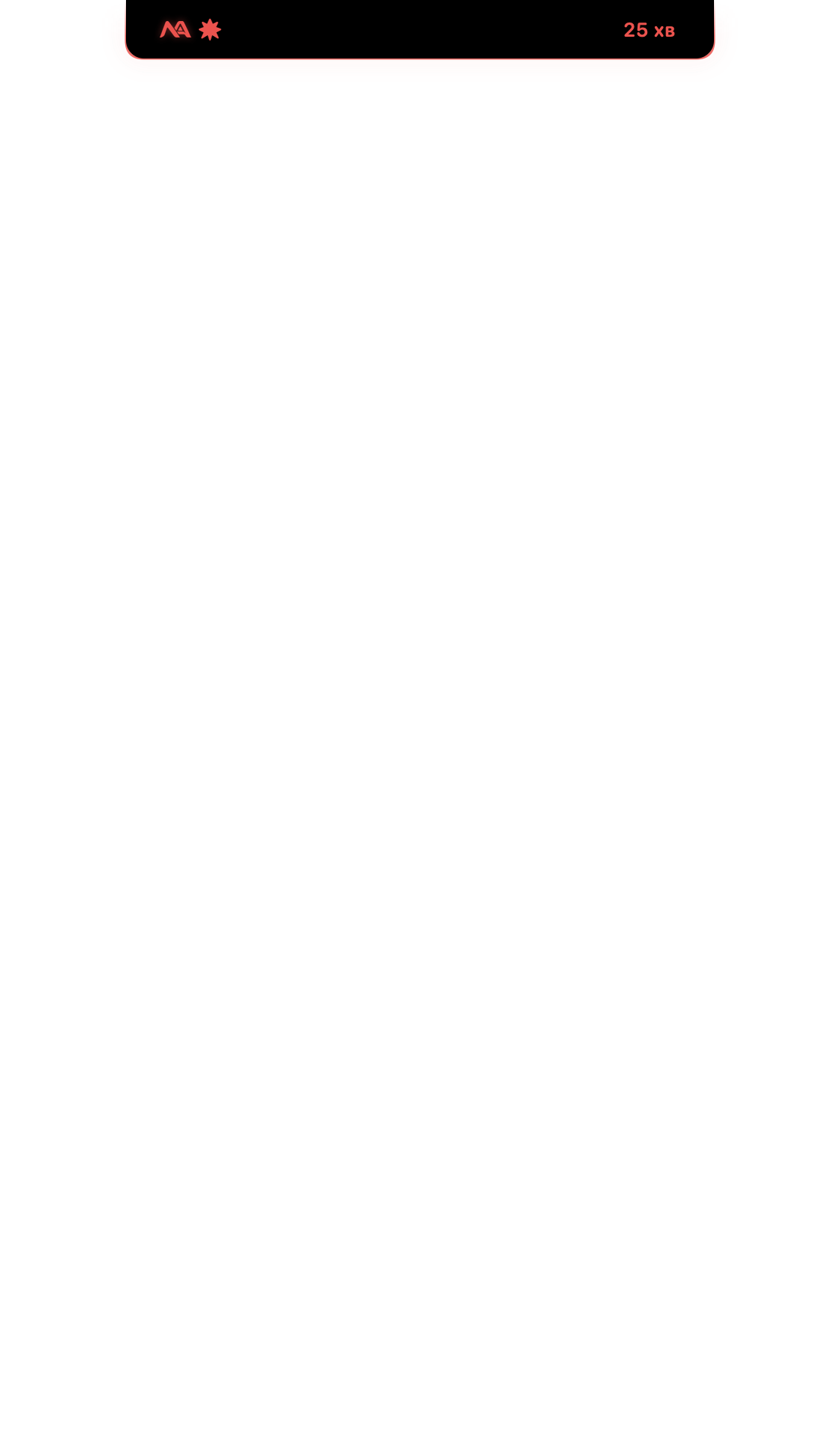
Помаранчевий — загроза артобстрілу чи вуличні бої.Orange — shelling or street fighting.

Наведіть мишку — і все видноHover — and see it all

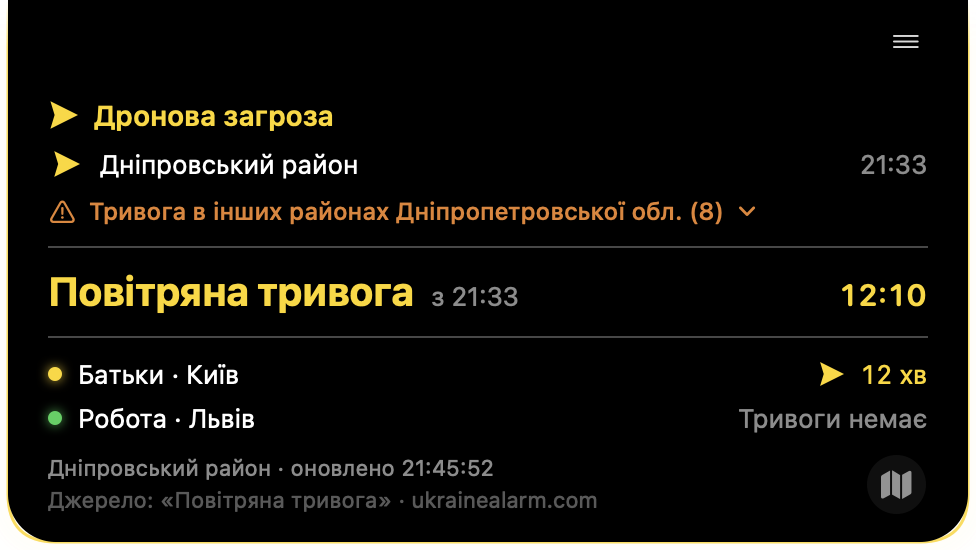
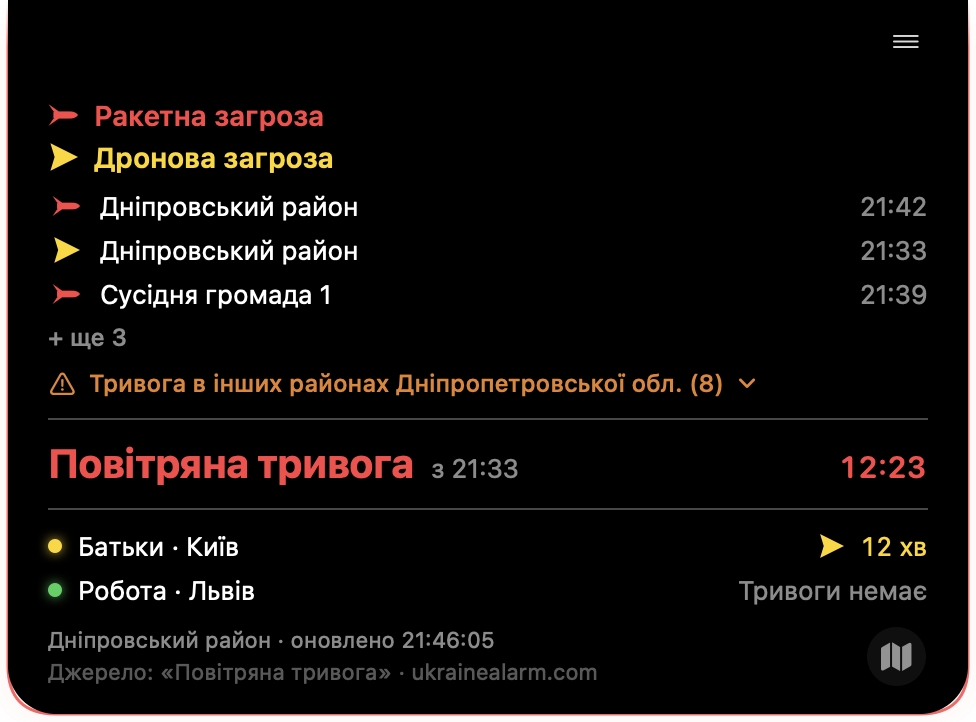
Картка з подробицями: де саме тривога, інші ваші території, тривоги в сусідніх районах області. Звідти ж — карта й історія.A details card: where exactly, your other places, alerts in nearby districts. The map and history are one click away.

Картка: тривога в кількох громадах, інші території.The card: alerts in several communities, your other places.
Карта тривог.Alert map.
Історія тривог: години під тривогою, найчастіший час, види загроз.Alert history: hours under alert, peak times, threat types.

Завантажити NotchAlarmDownload NotchAlarm

Встановлення — дві хвилини. Далі програма оновлюється сама.Setup takes two minutes. After that the app updates itself.

Mac

macOS 14 Sonoma або новіша. Найкраще — MacBook з «чубчиком»; на інших Mac — охайна плашка вгорі.macOS 14 Sonoma or later. Best on a MacBook with a notch; on other Macs it’s a neat bar at the top.
  1. Розпакуйте zip і перетягніть NotchAlarm у Програми.
  2. Unzip and drag NotchAlarm into Applications.
  3. Відкрийте. Якщо macOS попередить — Системні параметри → Конфіденційність і безпека → «Усе одно відкрити».
  4. Open it. If macOS warns you — System Settings → Privacy & Security → “Open Anyway”.
  5. Дозвольте сповіщення й оберіть територію.
  6. Allow notifications and choose your area.
Завантажити для MacDownload for Mac

Windows

Windows 10 або 11 (64-біт). «Чубчик» — угорі по центру екрана.Windows 10 or 11 (64-bit). The notch sits at the top centre of the screen.
  1. Розпакуйте zip і запустіть NotchAlarm.exe.
  2. Unzip and run NotchAlarm.exe.
  3. Якщо з'явиться «Windows захистив ваш ПК» — Докладніше → Виконати в будь-якому разі.
  4. If “Windows protected your PC” appears — More info → Run anyway.
  5. Програма сама встановиться, додасться в «Пуск» і автозапуск.
  6. The app installs itself and adds itself to Start and startup.
Завантажити для WindowsDownload for Windows

iPhone

iOS 17 або новіша.iOS 17 or later.

Ті самі тривоги, карта й історія — на телефоні.The same alerts, map and history — on your phone.

НезабаромComing soon App Store
NotchAlarm доповнює, а не замінює офіційне сповіщення. Завжди користуйтесь офіційними джерелами сповіщення про загрозу ukrainealarm.com! NotchAlarm complements, not replaces, official alerts. Always rely on the official alert sources: ukrainealarm.com!

ПитанняQuestions

Звідки дані?Where does the data come from?

З офіційного джерела «Повітряна тривога» (ukrainealarm.com). Наш сервер отримує події від нього миттєво і раз на кілька хвилин звіряється, щоб Ви нічого не пропустили та завжди розуміли, що відбувається.From the official “Povitriana Tryvoha” source (ukrainealarm.com). Our server receives its events instantly and re-checks every few minutes, so you never miss anything and always know what’s going on.

Це безкоштовно?Is it free?

Так. Без реклами, без реєстрації і без підписок. Якщо програма Вам корисна, можна добровільно підтримати її розвиток.Yes. No ads, no sign-up and no subscriptions. If you find it useful, you can voluntarily support its development.

Чи збирає програма мої дані?Does the app collect my data?

Ні. Ваші території й налаштування зберігаються лише на вашому комп'ютері. Програма тільки завантажує загальний список тривог.No. Your places and settings are stored only on your computer. The app just downloads the public list of alerts.

Як оновлювати?How do I update?

Ніяк — програма сама повідомить про нову версію і встановить її за одне натискання. Території та налаштування зберігаються.You don’t have to — the app tells you about a new version and installs it in one click. Your places and settings are kept.

Чи працює під час гри чи фільму на весь екран?Does it work during full-screen games or videos?

Так. Сповіщення й звук приходять завжди. На Windows «чубчик» у цей час стає прозорим — видно лише логотип і таймер (можна змінити в налаштуваннях).Yes. Notifications and sound always come through. On Windows the notch turns transparent meanwhile — just the logo and timer (configurable in Settings).

Підтримати NotchAlarm 💛💙Support NotchAlarm 💛💙

NotchAlarm був і завжди залишатиметься безкоштовним для всіх. І в ньому ніколи не буде реклами!

Якщо програма корисна для Вас, ви можете добровільно підтримати її розвиток та роботу сервера.

Кожен внесок допомагає нам розвивати проєкт і робити його кращим.

Дякуємо за вашу підтримку! ❤️

NotchAlarm has always been and will always remain free for everyone. And it will never have ads!

If the app is useful to you, you can voluntarily support its development and server.

Every contribution helps us grow the project and make it better.

Thank you for your support! ❤️

Підтримати через monobankSupport via monobank